

RETAIL EXPERIENCES · EXTERNAL PORTAL API
One Mall. Many Stores. A WiFi Experience Worth Connecting To.
Help visitors choose lunch, request the right pair of shoes, and get online for work. With NetCollab’s External Portal API, your mall can connect useful web apps with internet benefits offered by the mall and its stores.
Give every visitor a reason to connect
A visitor walks into your food court and wonders what to eat. A shopper in a busy shoe store wants to know whether their size is available. Someone waiting between errands needs to join a team meeting. Each has a different reason to reach for a phone or laptop.
Your mall can meet those needs through web apps visitors discover when they connect to its WiFi. The mall manages the internet service; participating restaurants and stores bring their menus, products, offers and customer services into the experience. Visitors open the apps in a browser, without installing a separate mobile app.
NetCollab’s External Portal API connects those experiences to internet access. Your app can approve a plan after someone completes a profile, confirm eligibility after a purchase, or let a customer redeem a store voucher. NetCollab applies the access conditions you have configured.
That gives you a practical starting point: choose something useful to offer your visitors, then decide how connectivity supports it.
The food court: help people find their next meal
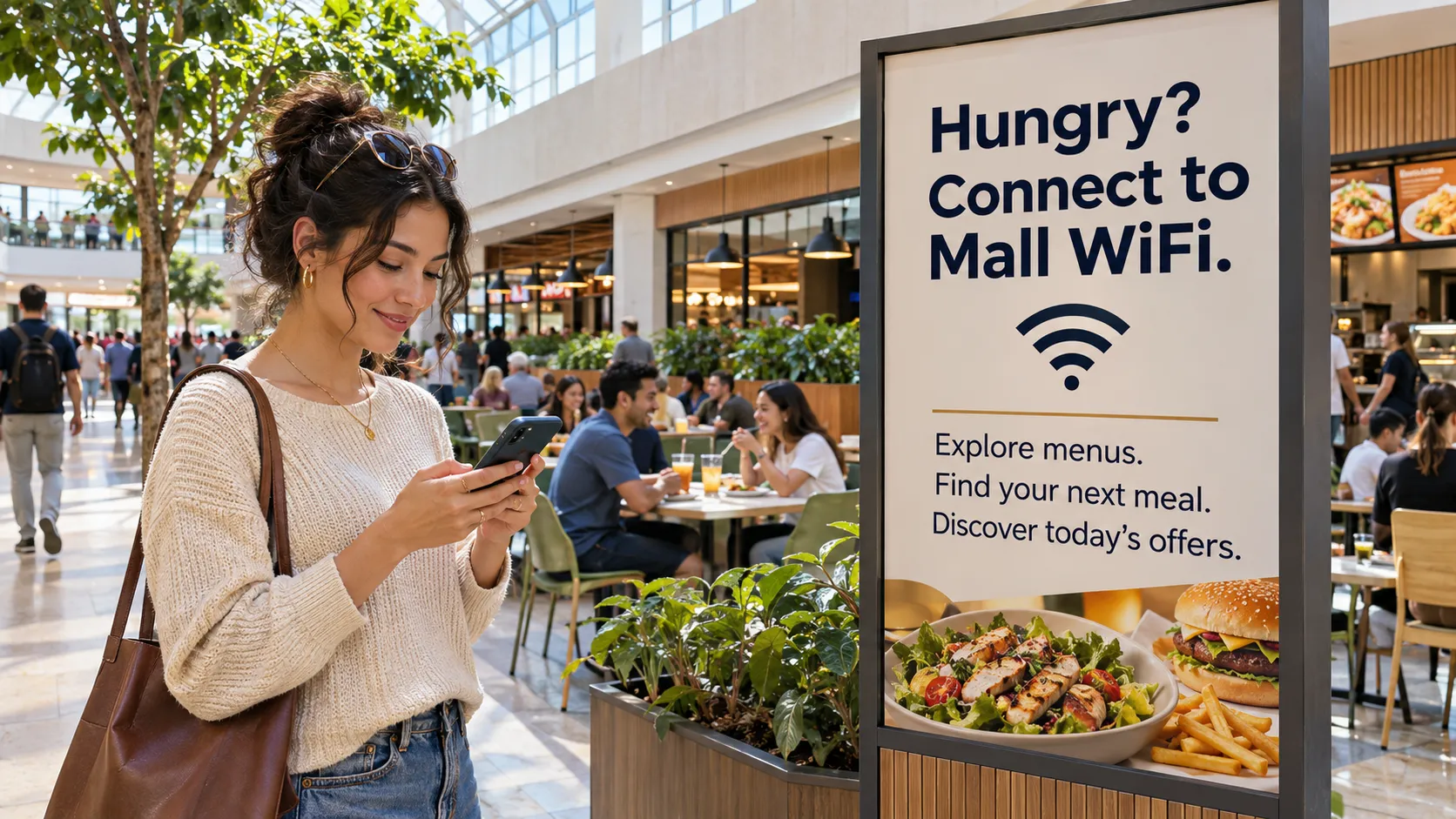
Picture a large sign at the food court entrance: “Hungry? Connect to Mall WiFi. Explore menus. Find your next meal. Discover today’s offers.”
The visitor joins the network and opens your food court app. Participating restaurants appear together, with menus, prices and current specials. Someone looking for a quick snack can narrow the choices. A family can compare cuisines and budgets before choosing a counter. A few questions—“What are you in the mood for?” or “How much time do you have?”—can guide the decision.
Restaurants can keep their offers current, promote a new dish, or sponsor a clearly marked featured placement. An ordering integration can add purchases and pickup status to the same experience. You decide which services to build first.
Buy lunch. Get an internet benefit.
The mall can provide NetCollab vouchers to participating restaurants. After buying a meal, the customer receives a code for the food court’s premium internet plan. They enter it in the portal, review the terms and connect under the voucher’s plan.
This gives a restaurant a benefit it can hand over at the counter, while the mall manages the shared access service. The offer can specify its speed, duration, data allowance and application policies through NetCollab’s plans and tiers.
You can also connect the benefit directly to an ordering app. Once its backend confirms a successful purchase, the app can authorize an eligible internet plan through the API. The customer gets a clear reward for buying from a participating business.
A new favorite could be one scroll away.
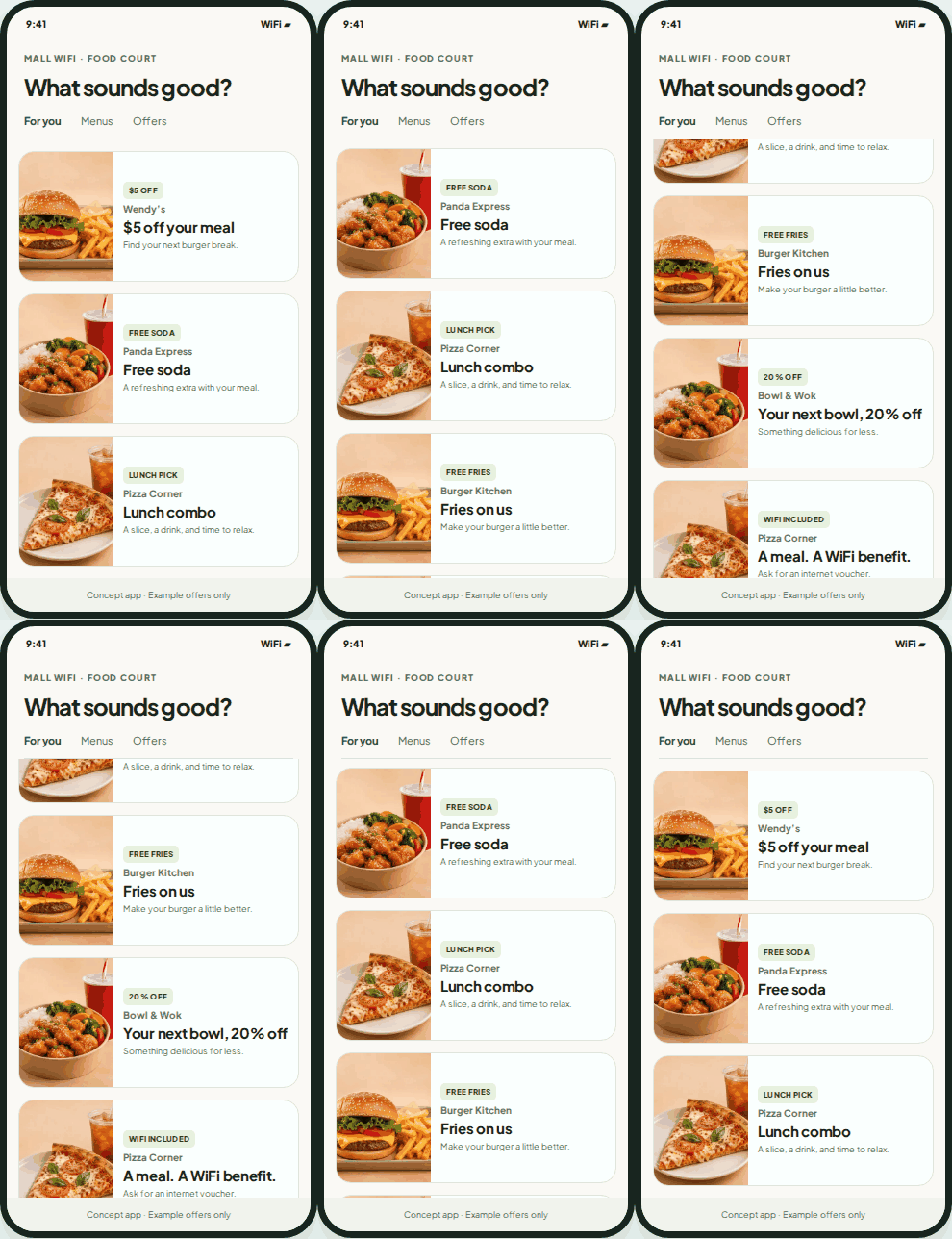
Bring restaurant offers into one easy-to-browse feed. Help visitors find a meal, discover a promotion, and see which purchases include an internet benefit.
Scroll through the phone to explore the example offers.
What sounds good?
 $5 OFFWendy’s$5 off your mealFind your next burger break.
- FREE SODAPanda ExpressFree sodaA refreshing extra with your meal.
- LUNCH PICKPizza CornerLunch comboA slice, a drink, and time to relax.
- FREE FRIESBurger KitchenFries on usMake your burger a little better.
- 20% OFFBowl & WokYour next bowl, 20% offSomething delicious for less.
- WIFI INCLUDEDPizza CornerA meal. A WiFi benefit.Ask for an internet voucher.
Create a profile. Get connected. Discover more of the mall.
A simple welcome offer can bring visitors into the mall’s services: “Complete your visitor profile and get internet access.”
Your app collects the information required for the offer, such as a name and selected interests. After the visitor completes the profile and accepts the access terms, your backend approves the configured plan. The portal requests activation through NetCollab’s Local API, which verifies the approval and grants access to the connected device.
That profile can also make the app more useful. A visitor interested in sports can discover relevant stores and events. Someone exploring dining options can see restaurant offers. A returning loyalty member can receive the access benefit their membership provides.
The mall controls the offer and the app experience. Visitors can separately choose whether to receive future promotions, turning an immediate service into an opportunity for an ongoing relationship.
The shoe store: request your size while you wait
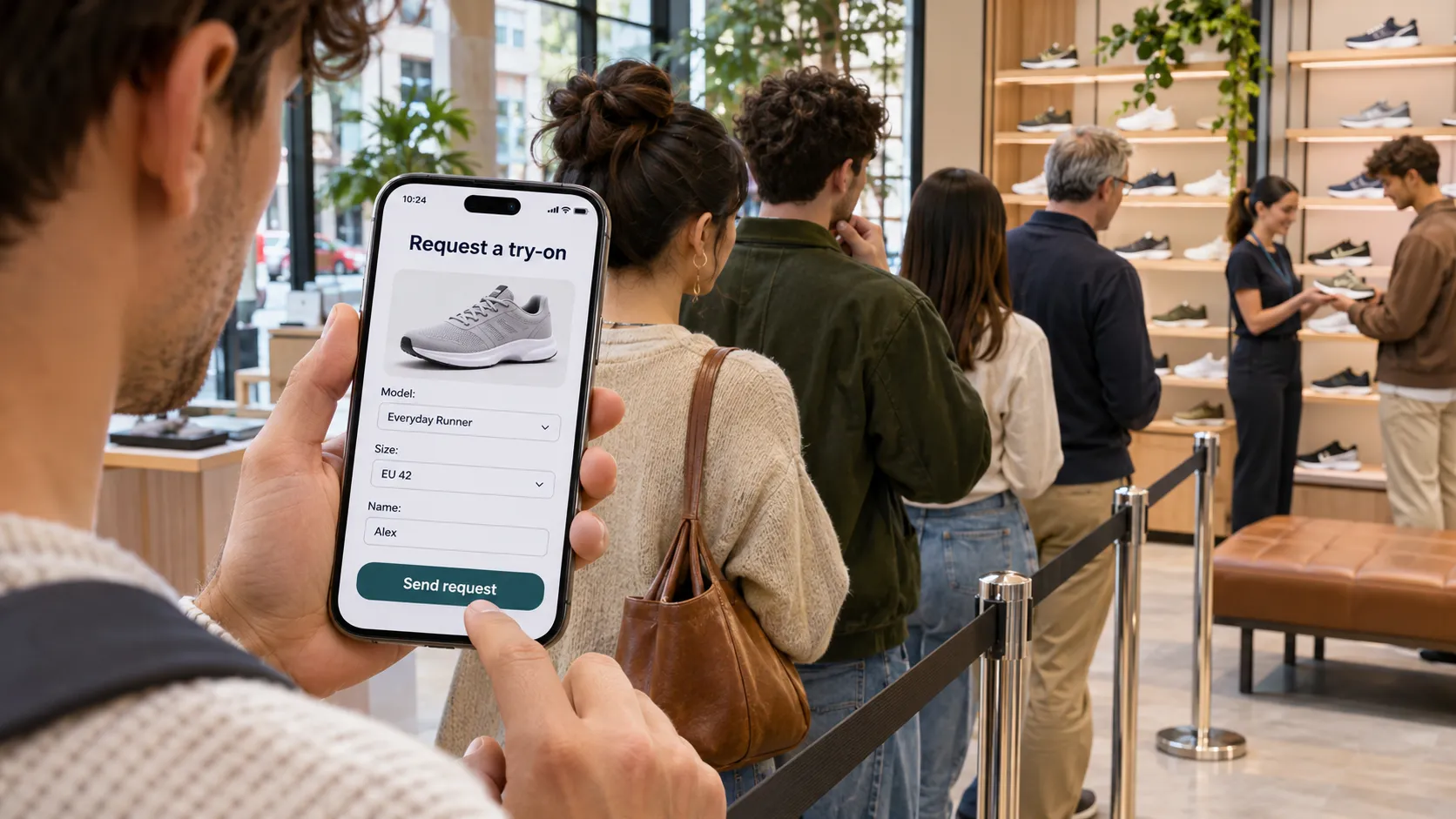
It is a busy afternoon, and several customers are waiting for assistance. One shopper has already found a shoe they like. Instead of waiting just to ask for a size, they open the store’s web app.
They choose the model, select their size, enter a first name and tap “Request try-on.” The store team receives the details and can prepare the pair. With an inventory integration, the app can show availability; a request status can tell the shopper whether the team is checking or preparing their selection.
This is useful information for both sides. The shopper can make a specific request, and staff can see what is needed before approaching them.
The store can bring people into the app through a QR code, a link in the mall portal, or its own configured WiFi portal. It can combine the service with profile-based internet access, loyalty benefits, or a voucher issued with a purchase. The mall provides the shared foundation; the store designs the experience around its customers.
The mall lounge: make time between errands useful
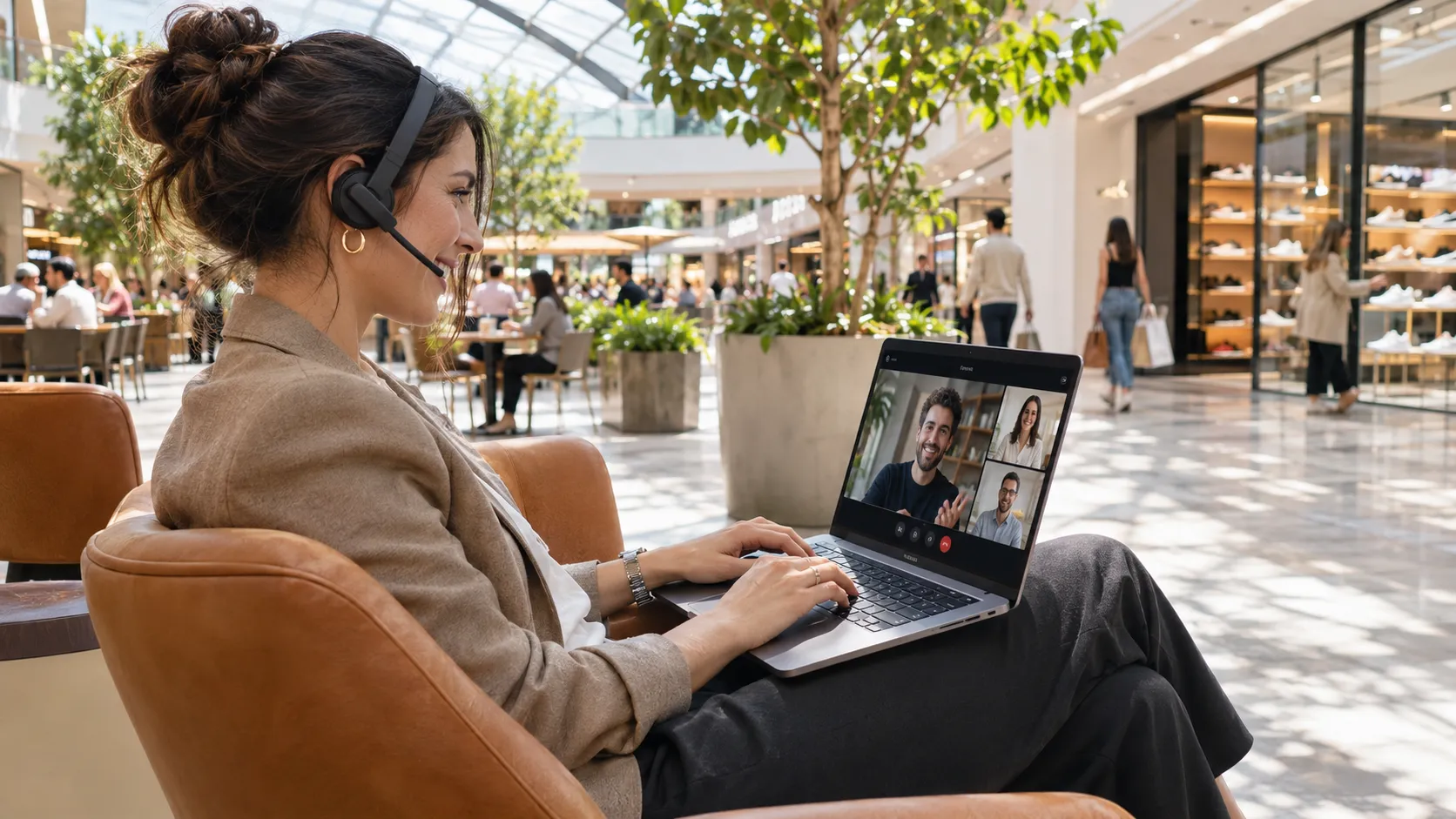
A visitor settles into a comfortable chair in the middle of the mall, opens a laptop on their lap, puts on a headset and joins a team meeting. Your internet service becomes a reason to use the seating area and nearby businesses.
The portal can present a complimentary offer after profile completion, a paid plan suited to work, or an access voucher from a participating café or store. A customer who receives a voucher with coffee can open the portal on their laptop and redeem it there.
Configure the plan around its purpose: the permitted applications, speed, time and data allowance. Show those conditions before the visitor connects. Meeting quality also depends on WiFi coverage and available internet capacity, so size the service for the experience you want to offer.
The app can help with the rest of the visit too: show suitable seating, nearby power outlets, café offers and the mall directory.
Give each store its own useful service
Once the mall has a portal and a way to connect business decisions with internet benefits, there are many directions to explore:
- Electronics stores: compare products, request a demonstration and reward a purchase with an access voucher.
- Cinemas: show screenings and offers, then let a booking integration approve an eligible access benefit for verified customers.
- Loyalty programs: verify membership and authorize the corresponding internet plan.
- Events and pop-ups: offer a program, exhibitor information and attendee access through check-in or vouchers.
- Mall services: bring directions, store hours, events and customer-service requests into the welcome experience.
- Sponsored access: let a participating store fund a visitor benefit and feature its offer in the app.
These are applications you can build around the API. Each store contributes the information and workflow its customers need, with integrations to its business systems where appropriate.
Your app in the cloud. NetCollab in the mall.
The architecture is straightforward. Your food court or store app runs in the cloud, with your branding, menus, profiles and business logic. Visitors join the mall WiFi and open the configured portal; links and QR codes can lead them to individual store experiences. Configure the portal and required services to be reachable before internet authorization.
The visitor’s browser communicates with NetCollab’s Local API on the appliance. When access depends on a profile, purchase or membership, Local checks approval with your cloud backend before activating an assigned plan. The API also supports voucher redemption and lets the app show remaining allowances.
The External Portal API is implemented. NetCollab handles connected-device identity, plan eligibility, access policies and usage accounting. Your app supplies the business experience and integrations. The mall can configure different portal entry points for different networks, or use one portal to bring its services together.
For the network foundation, see the Omada and NetCollab SSID/VLAN guide. For another business application, explore the hotel portal example.